Jump. Dance. Play.All you need is your phone.
Stand your phone next to the TV. Its camera sees you move, and the games play on the big screen. No game console, no controllers.



That’s the whole setup.
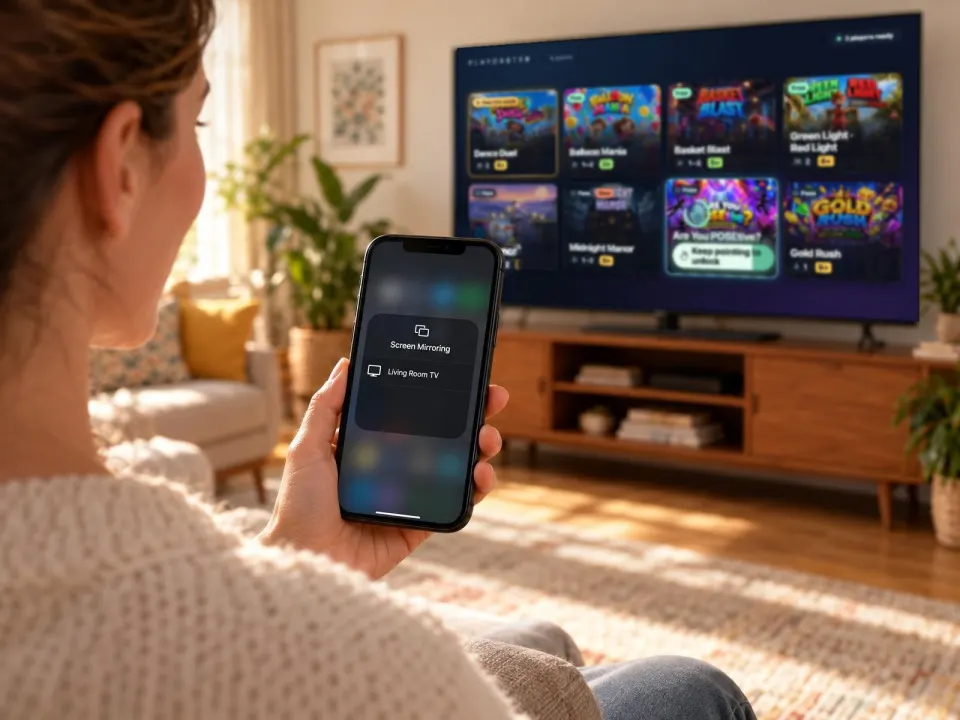
1Cast to your TV
Wirelessly with AirPlay, or with a cable. The app shows you how.
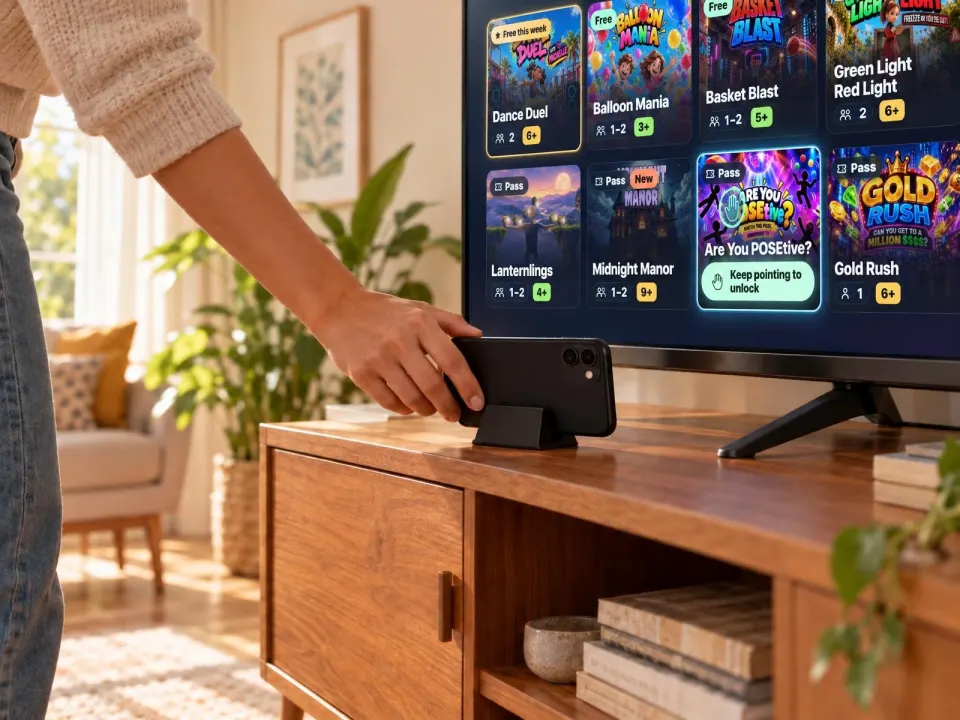
2Stand your phone next to it
Sideways, with the back camera facing the room.
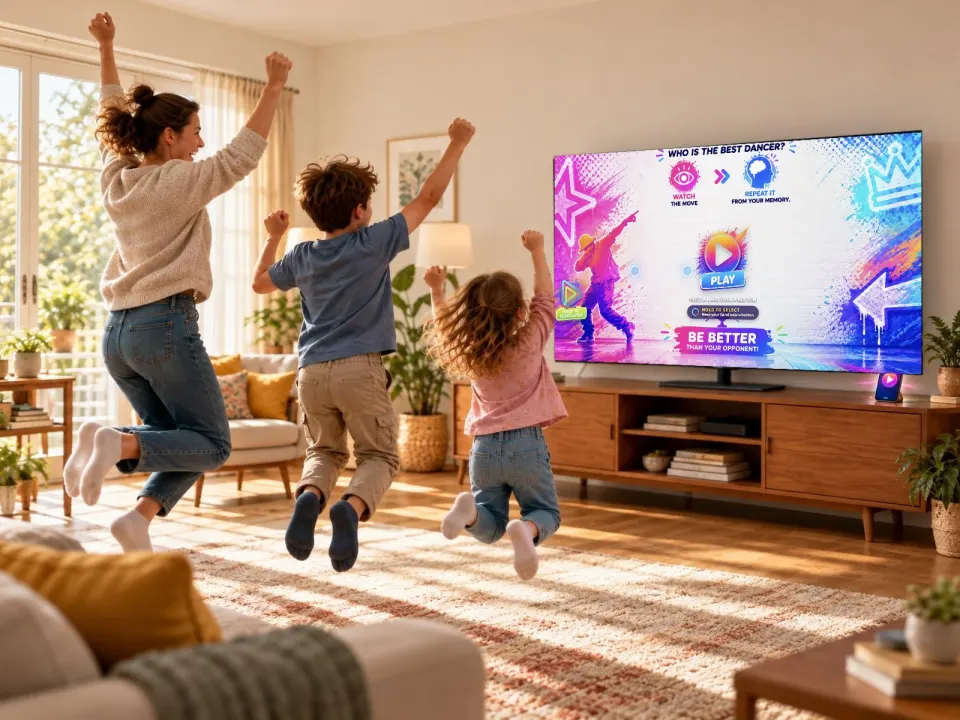
3Step back and play
2–3 m (7–10 ft) back. Your body is the controller.
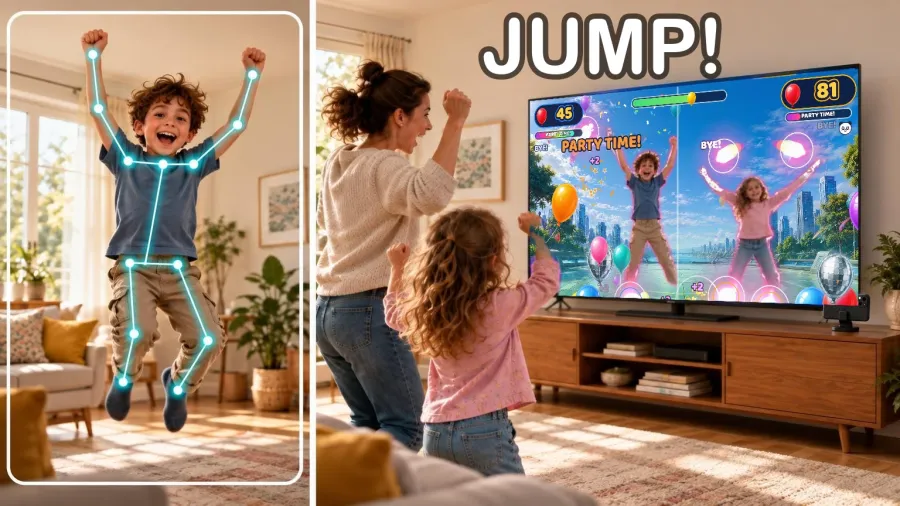
Your phone sees you move.
Jump, freeze, dance. The game moves with you, right as you move.
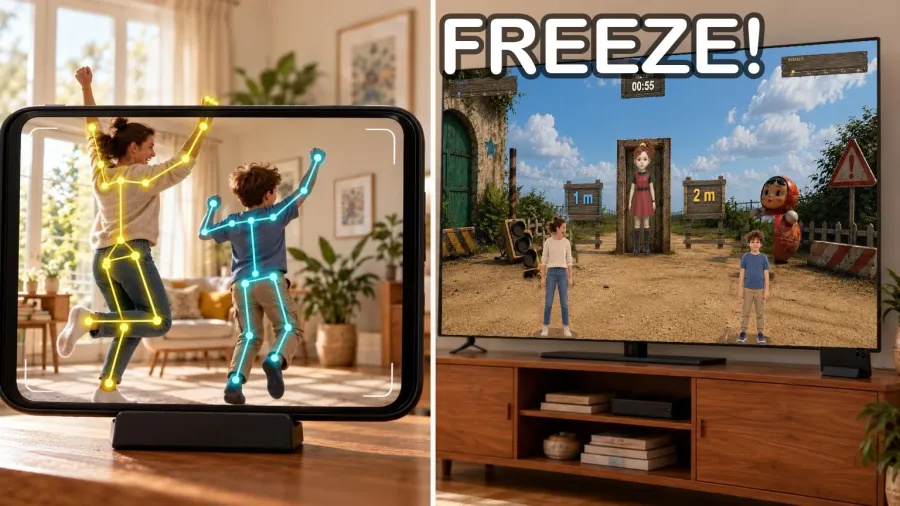
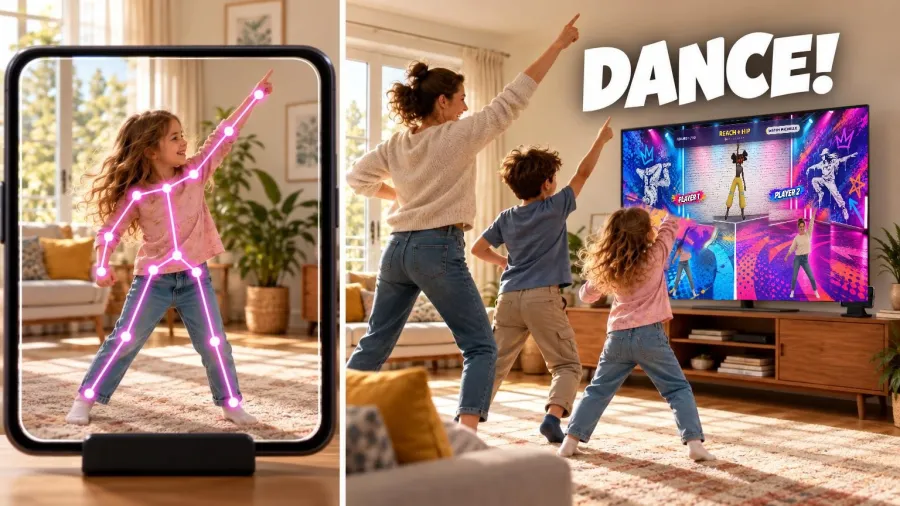
Games for the whole family
From age 3 to grown-ups. Play solo or together.
 Free
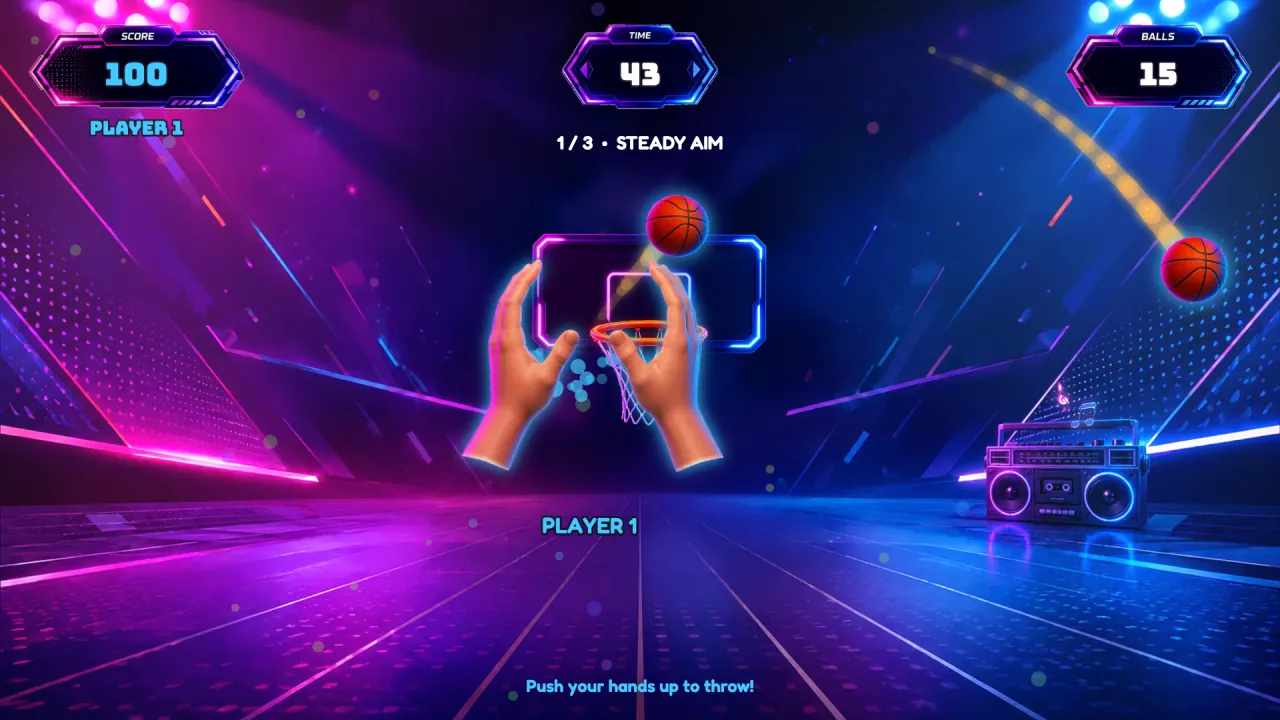
Basket Blast
Push your hands up to shoot hoops.
 Free
Balloon Mania
 Free
Green Light · Red Light

Dance Duel

Midnight Manor
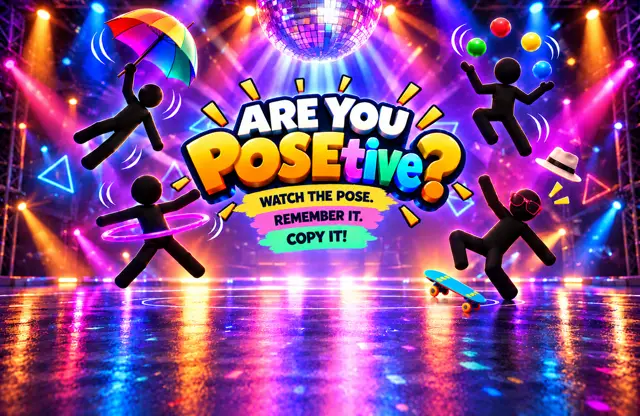
Are You POSEtive?

Gold Rush

Lanternlings
Stretch out your arms and become their bridge.
- New games keep comingThe Pass unlocks every one of them.
For parents
The camera picture never leaves your phone.
The phone reads where your body is, right there on the phone. The picture is never sent to us or anyone else.
No ads, no tracking
Nothing to click away from, and nothing following your family around.
No Playcaster account
Open the app and play. No sign-up, no profiles.
Kids move instead of sitting
They jump, dance and stretch. The games only work when they move.
Free to start
Free
$0
- Free to download
- 3 games, always free
- A different game free every week
Playcaster Pass
- Unlocks every game
- New games as they land
- Cancel anytime
Questions
What do I need?
A phone, a TV, and room to move. Playcaster runs on the phone; the TV shows the game.
Do I need a game console or controllers?
No. Your phone runs the games, and its camera sees you move. Your body is the controller.
Which phones?
iPhone and Android. Get Playcaster from the App Store or Google Play; the store page shows whether your phone is supported.
How do I cast to the TV?
Two ways. Wireless: AirPlay screen mirroring to a TV or streaming box that supports AirPlay. Cable: a USB-C to HDMI cable from your phone to the TV (older iPhones need Apple's Lightning Digital AV Adapter). The app walks you through it.
How much space do we need?
Enough to stand 2–3 m (about 7–10 ft) from the phone, with room to jump and stretch your arms out.
Is the camera recording my family?
No. The camera picture never leaves your phone. The phone reads where your body is, right there on the phone. No Playcaster account, no ads, no tracking.
Jump. Dance. Play.
All you need is your phone.